Audio Message Not Understood: Fix It in 30 Seconds
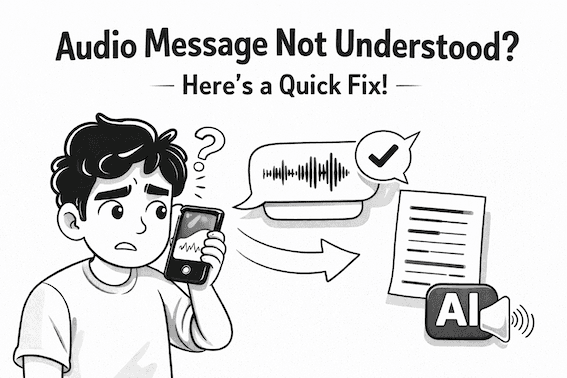
Audio messages are a popular way to communicate on WhatsApp and other messengers. Some of the messengers have introduced the transcription feature, but sometimes it does not work as expected, is hard to find, or does not work with the language of your audio message. So you end up with audio message not understood.
There is a quick solution for that. You can transcribe any audio message with SpeakApp AI in just a couple of clicks on your phone. All you need to do is install SpeakApp AI and share your message with SpeakApp. Speakapp automatically detects the language and transcribes the message with extremely high accuracy in 70 languages. You can further translate, edit, or rewrite the text you got using advanced AI with a click.
Spekapp is free for short audio messages and does not require you to create an account. Speakapp supports all popular messengers, including WhatsApp, Telegram, and many others. On top of it, you can record both short and long audio directly in SpeakApp, so it provides much more than just audio message transcriptions.
For your convenience, we also provide this web page where you can instantly drop any audio message to see the transcription in seconds. This allows you to get the idea of how SpeakApp works without downloading anything. Yet to enjoy a really seamless and powerful AI-first transcription service for all your needs, from short audio messages to long meetings and voice note taking, we strongly recommend trying our mobile and Mac app.