

SpeakApp Android App: Voice Notes, Transcription & AI
Meet SpeakApp for Android: record voice notes, transcribe YouTube videos and Instagram Reels, and connect your transcripts to ChatGPT and Claude with MCP.
3 min read
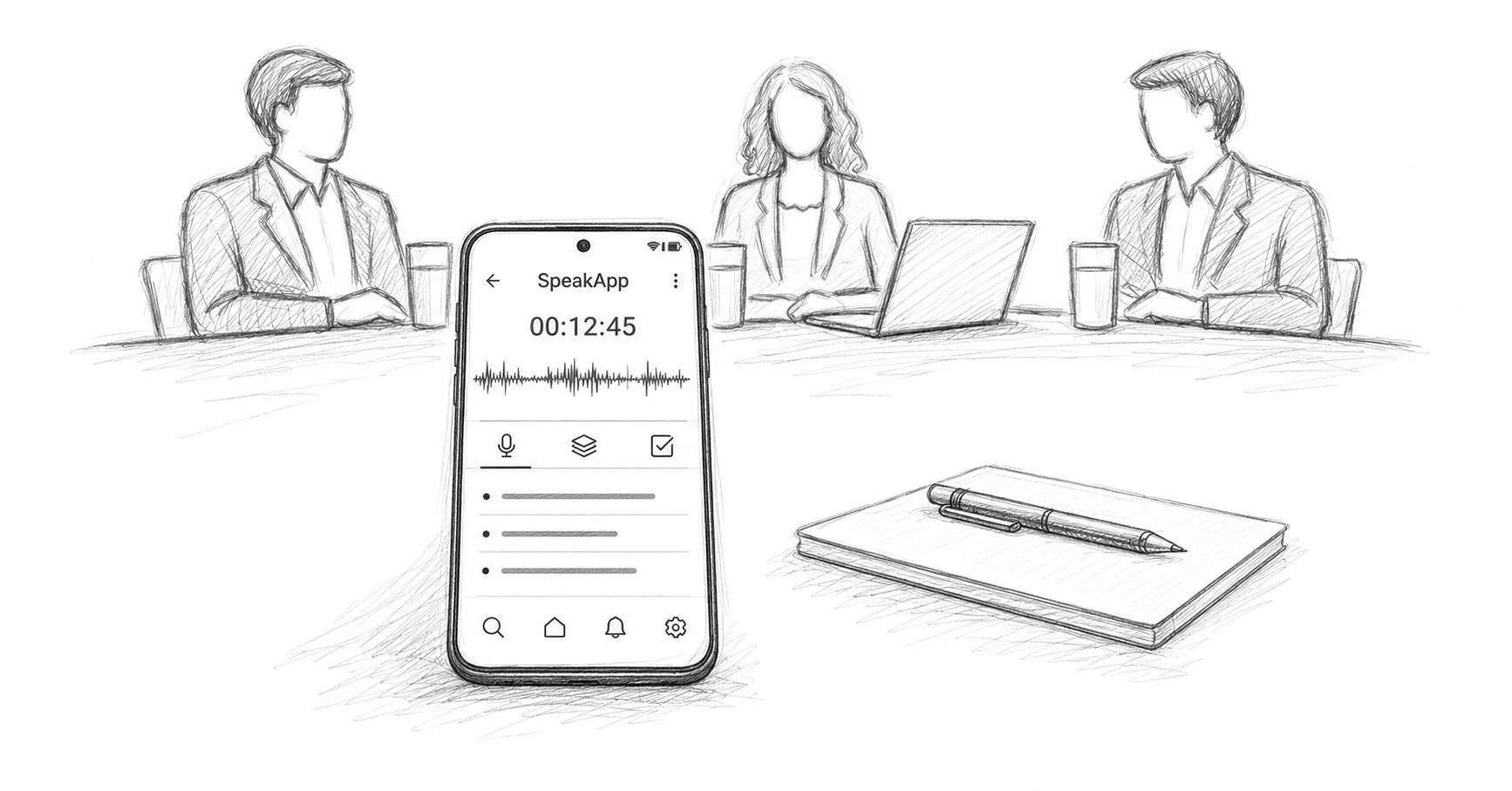
SpeakApp for Android turns voice notes, meetings, lectures and video links into transcripts you can work with. Record on your phone, import audio, or paste a YouTube or Instagram Reel link. Then summarize what was said, translate it or use your transcripts in ChatGPT and Claude through SpeakApp's direct connections and MCP.
Record voice notes and transcribe meetings on Android
Capture an idea before you forget it, record an in-person meeting or save a lecture for later. SpeakApp keeps the audio alongside the transcript, so you can listen back when a detail matters.
The Android app brings together:
- Audio recording and speech-to-text: turn conversations and spoken ideas into readable notes.
- AI summaries: pull out the main points and turn a long recording into something easier to review.
- Multilingual transcription and translation: work with speech and notes in different languages.
- Audio imports: transcribe recordings and voice messages you already have.
- A synced library: sign in to the same SpeakApp account to access your recordings across Android, iPhone, Mac, Windows and the web.
Transcribe YouTube videos on Android
Copy a YouTube video link, open SpeakApp's import options and paste the link into the YouTube option. Once it is processed, you can read the transcript, generate a summary and ask questions about the content.
Use it to turn a tutorial into instructions, a lecture into study notes or an interview into key takeaways. You can return to the text instead of replaying the whole video to find one point.
Transcribe Instagram Reels on Android
Copy the link to an Instagram Reel and paste it into SpeakApp's Instagram import option. SpeakApp turns the spoken content into a transcript that you can summarize, translate or use for your own notes.
This is useful for saving a creator's explanation, reviewing a short tutorial or collecting ideas from a Reel. The Reel must be accessible for import; private or removed posts may not be available.
Connect SpeakApp to ChatGPT and Claude
Your Android recordings can become context for the AI tools you already use. SpeakApp offers direct connections with ChatGPT and Claude, so you can ask about your transcripts without copying and pasting them into every conversation.
Connect your SpeakApp account through its listing in ChatGPT or Claude, then try:
- “Find my latest meeting and list the decisions and next steps.”
- “Turn my lecture transcript into study questions.”
- “Use my interview notes to draft a follow-up email.”
MCP, the Model Context Protocol, is the connection that lets compatible AI tools work with your SpeakApp library. It also supports workflows with other MCP-compatible assistants. A paid SpeakApp plan is required for MCP; no API key is needed.
Follow the SpeakApp connection guide for ChatGPT, Claude and MCP to get started. Use the same SpeakApp account that holds your Android recordings.
Get started with SpeakApp for Android
- Install SpeakApp from Google Play.
- Record a voice note or import an audio file, YouTube video or Instagram Reel.
- Review the transcript and create a summary or translation.
- Connect your account to ChatGPT or Claude when you want to work with your library in an AI assistant.
Feature access and recording or import limits depend on your plan. Check the current options in the app.
Download SpeakApp for Android on Google Play and turn your next recording or video into useful notes.