

Meetings in Sekunden aufnehmen und zusammenfassen
SpeakApp transkribiert den Ton deines Computers direkt – kein Meeting-Bot tritt deinem Call bei. Funktioniert mit allen Meeting-Plattformen.




Nach dem Download folgst du diesen Schritten
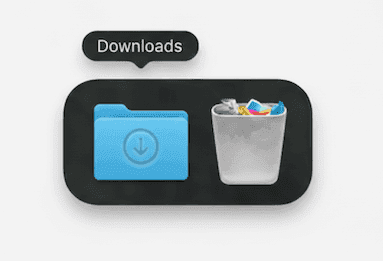
Schritt 1
Öffne SpeakApp.dmg aus deinem Ordner „Downloads“
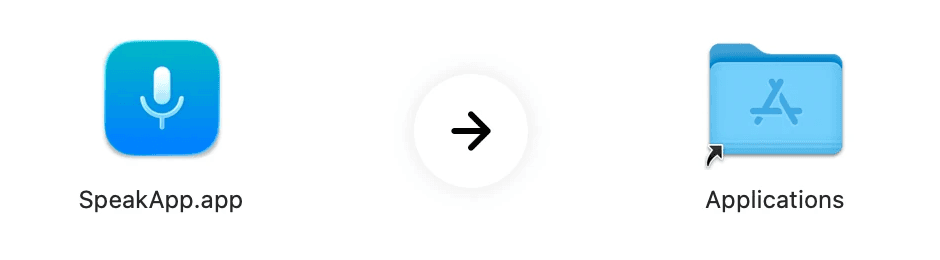
Schritt 2
Zieh das SpeakApp-Symbol in deinen Ordner „Programme“
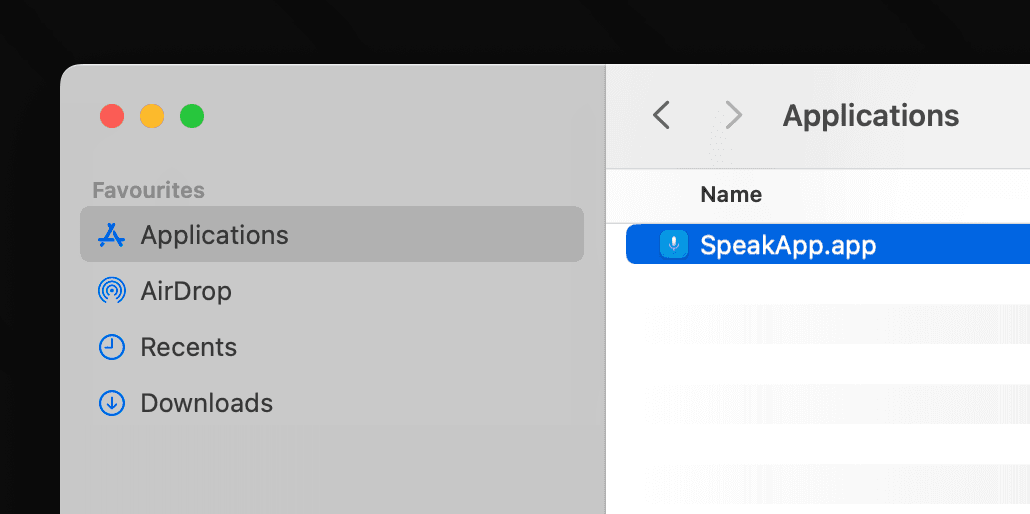
Schritt 3
Öffne SpeakApp aus deinem Ordner „Programme“
Probleme? Erneut laden
Mit SpeakApp für Mac nimmst du jedes Meeting auf deinem Mac auf, ganz ohne Bots oder Einladungslinks. Klick einfach auf Starten, und dein Meeting in Google Meet, Zoom oder auf jeder anderen Plattform wird aufgenommen.