

Record and Summarize Meetings in Seconds
SpeakApp transcribes your computer's audio directly, with no meeting bots joining your call. Works with all meetings platforms.




After downloading, follow these steps
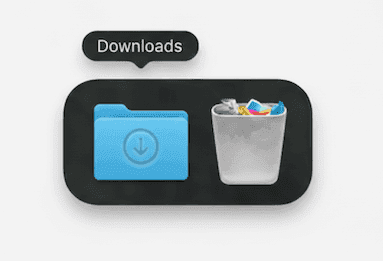
Step 1
Open SpeakApp.dmg from your Downloads folder
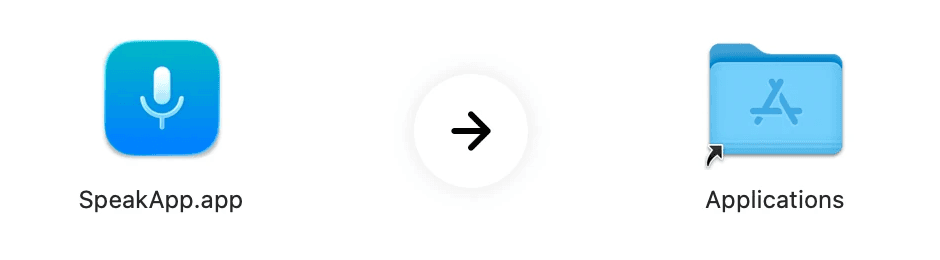
Step 2
Drag SpeakApp Icon into your Applications folder
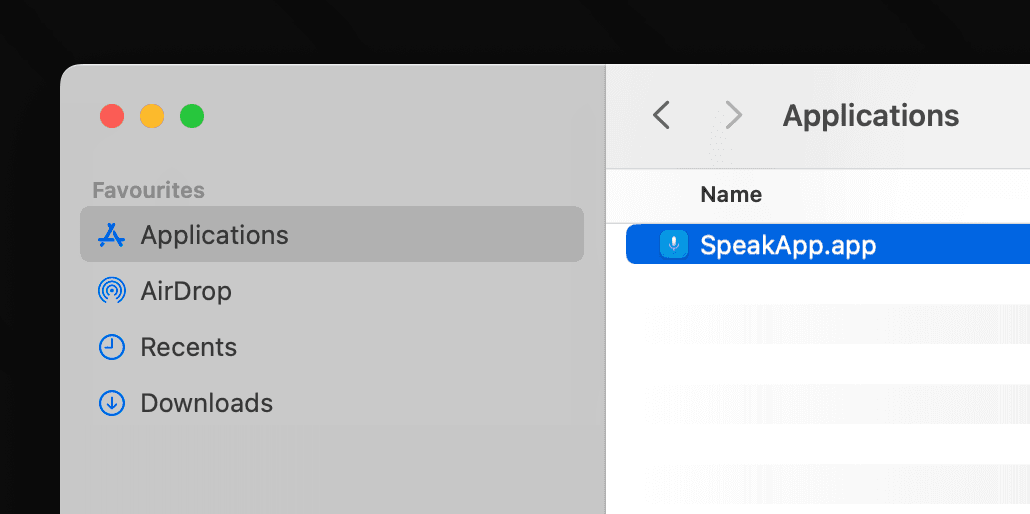
Step 3
Open SpeakApp from your Applications folder
Problem? Download again
SpeakApp for Mac lets you record any meeting on your Mac without needing to add bots or join links. Just hit Start, and your meeting on Google Meet, Zoom, or any other platform will be captured.